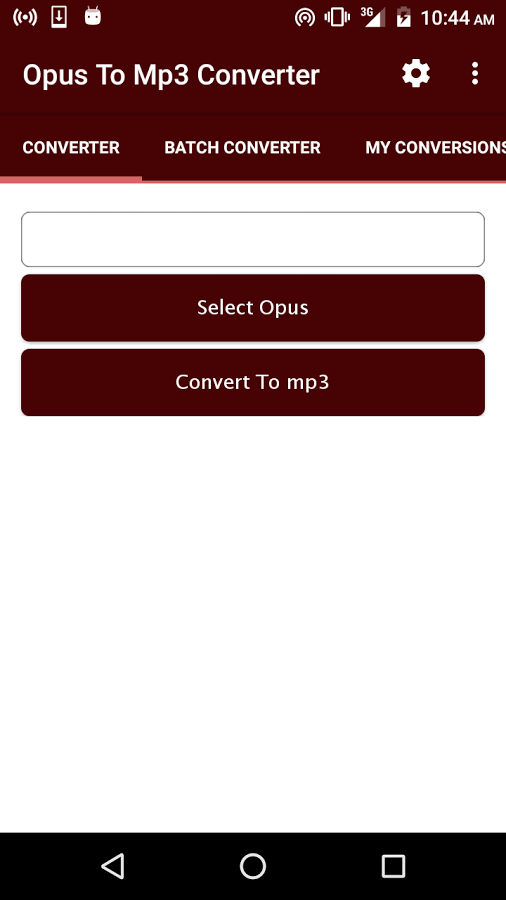
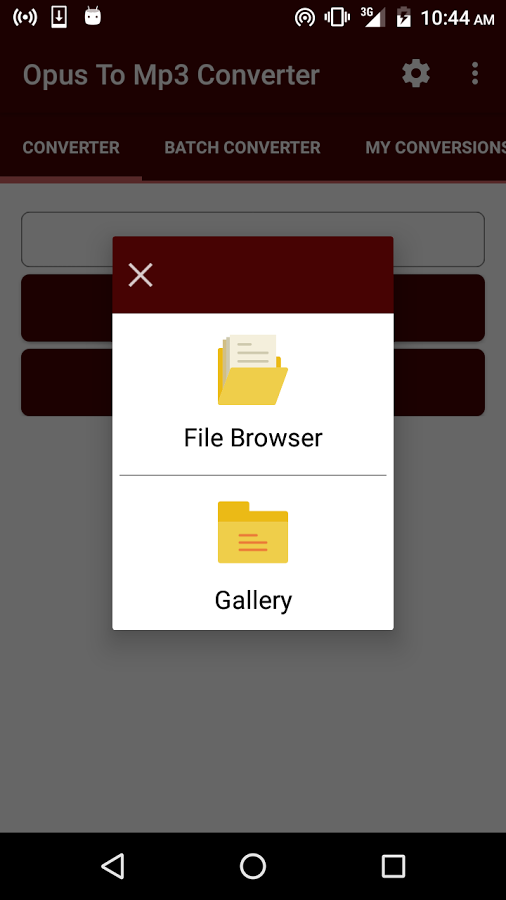
Simple tool for Converting your OPUS files to mp3 file format.
You can convert a single OPUS file, one at a time or employ the batch converter to convert a selected number of files at once.
All conversions are done in the background with a notification that displays conversion progress.
You can now set audio bit-rate, audio sampling rate and audio channel, under settings.
Audio Bitrate :-
320 kbps
256 kbps
192 kbps
160 kbps
128 kbps
96 kbps
64 kbps
32 kbps
16 kbps
12 kbps
8 kbps
6 kbps
Audio Sampling Rate :
32000 Hz
41000 Hz
48000 Hz
88200 Hz
96100 Hz
192000 Hz
Audio Channels :
Mono
Stereo
PLEASE NOTE:
# All Converted files are saved to Music folder.
# Ensure your Android device has a mounted SD Card with free space.
# Ensure your Android device has google play services installed.
***This app uses FFMPEG library.

windshield repair near me
November 28, 2025Thank you for expressing this so clearly.
auto glass repair Charlotte NC
November 29, 2025Your writing is powerful and uplifting — fantastic job!
Safelite Auto Glass Charlotte
December 4, 2025This is one of the most helpful articles I’ve seen recently.
auto glass replacement in charlotte
December 4, 2025This writing feels like a celebration — wonderful job!